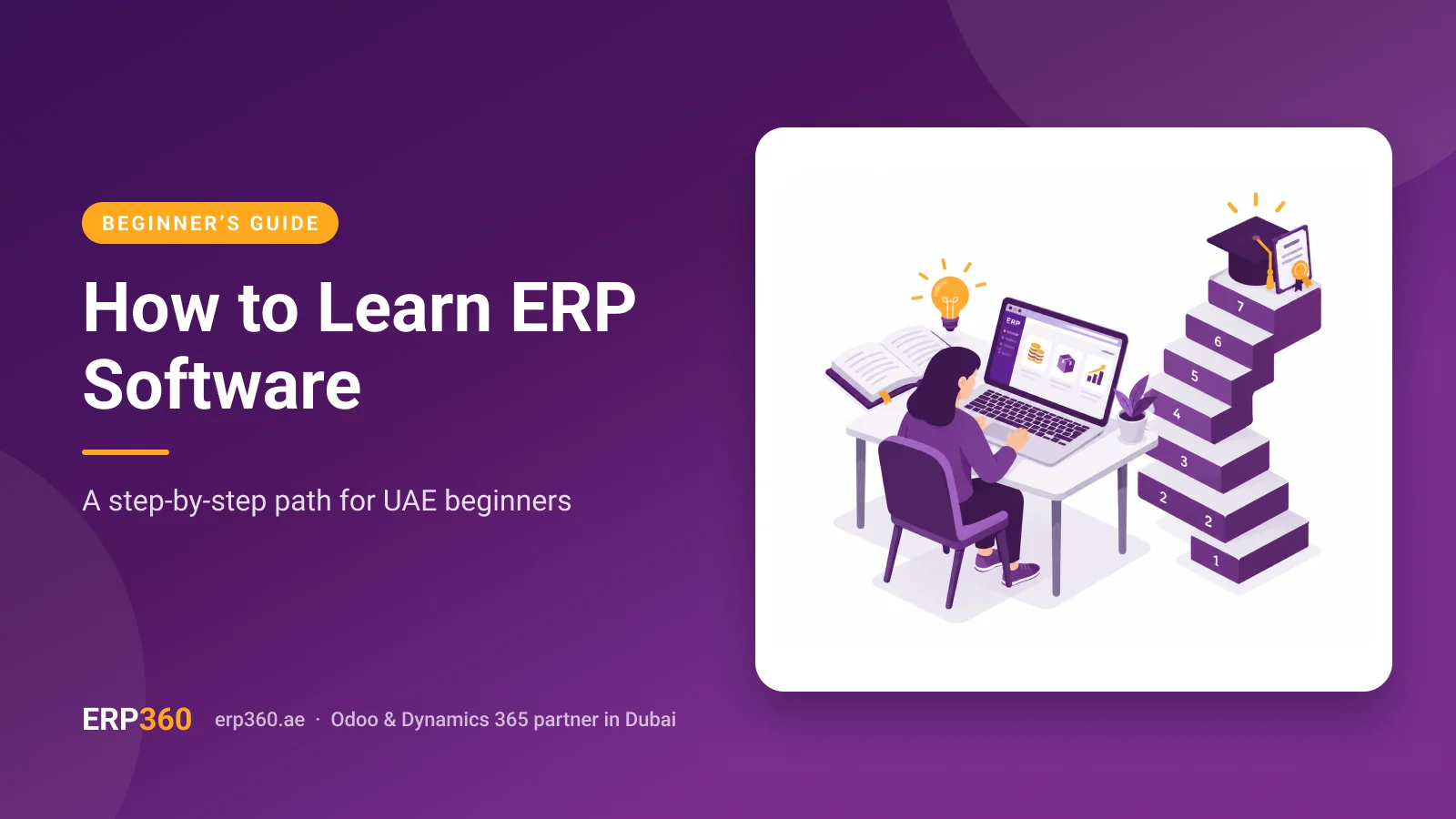
How to learn ERP software comes down to one rule learn the business process first, then the screens. ERP software is a business system that runs finance, sales, purchasing, inventory and HR on one shared database, so every click updates records in other departments. This guide gives you a seven-stage path, the free practice systems that still work in 2026, and the UAE workflows, such as VAT codes and WPS payroll, that employers expect you to know.
01Learn ERP Step by Step: The 7-Stage Path
If you are working out how to learn ERP software from zero, follow this path: process before software, practice before certificates. Each stage builds on the last, so skipping ahead is the fastest way to stall.
Learn the Three Core Business Cycles
Every ERP, whether Odoo, SAP or Microsoft Dynamics 365, is built around the same three cycles. Procure-to-pay covers buying purchase request, purchase order, goods receipt, vendor bill and payment. Order-to-cash covers selling quotation, sales order, delivery, invoice and customer payment. Record-to-report covers accounting journal entries, reconciliations and financial statements.
If you can sketch these three cycles on paper, every ERP screen you meet afterwards has a place to sit. This is the part most people skip when they ask how to learn ERP software, and it is why they end up memorising clicks they cannot explain.
Pick One Module That Matches Your Role
The ERP modules for beginners are the ones closest to the work you already do. Trying to learn every module at once is the most common reason self-learners give up. Use this table to choose your starting point and your first transaction.
| Your background | Start with | Add next | First transaction to master |
|---|---|---|---|
| Finance or accounting | Accounting / Invoicing | Purchase, then inventory valuation | Post a vendor bill and reconcile its payment |
| Sales or customer service | CRM and Sales | Inventory (deliveries) | Turn a quotation into a paid invoice |
| Operations or warehouse | Inventory and Purchase | Manufacturing | Receive goods and check the stock move |
| HR or administration | Employees and Payroll | Time off and attendance | Run a test payslip for one employee |
| Owner or manager | Sales and Accounting overview | Reporting dashboards | Trace one profit-and-loss figure back to its source document |
Choose the Best ERP to Learn for Beginners
The best ERP to learn for beginners is one you can open today without a purchase order. Odoo is a strong first choice because its trial runs in a browser. Every document links to the next, so you can watch a sale become accounting entries in real time.
SAP and Dynamics 365 are common in large enterprises, so learn one of them next if your target employer runs it. The concepts transfer between systems; the button locations do not.
Run One Transaction From Start to Finish
This single drill teaches more than hours of video. In a trial database, create a customer and a stockable product, then follow the order-to-cash chain and check what changed after each step:
- Confirm the sales order and check that a delivery was created and stock reserved.
- Validate the delivery and check that the on-hand quantity dropped.
- Post the customer invoice and check that a receivable and a revenue entry appeared.
- Register the payment and check that the invoice shows as paid and the bank journal moved.
Repeat the same drill for procure-to-pay until you can predict the accounting entry before you click. That prediction habit is the real answer to how to learn ERP software quickly, because it turns screens into cause and effect.
Add the UAE Workflows Employers Expect
Global guides stop at generic transactions, but UAE employers test for local ones. Practise applying VAT tax codes on invoices and bills, including standard-rated, zero-rated and exempt lines, and then read the VAT report those entries produce.
HR learners should understand how payroll produces a WPS salary file; seeing how Odoo payroll handles WPS in the UAE makes the flow concrete. Finance learners should know why structured e-invoicing makes clean customer and tax data non-negotiable. Treat the rules themselves as something to confirm against current Federal Tax Authority guidance, because the details change.
Certify Through a Route That Still Exists
Certification helps after you can do the work, not before, and many guides now point to routes that are gone. Microsoft's exam retirement list shows MB-920, Dynamics 365 Fundamentals (ERP), retired on 31 December 2025. Certification trackers report no direct fundamentals-level replacement, yet older course roundups still recommend it.
SAP folded its openSAP platform into the SAP Learning site in July 2024, according to SAP's own migration notice. Odoo publishes a free sample test for its certification exam on its certification FAQ page, which is a low-risk way to check whether you are ready.
Apply It at Work and Keep a Log
Skills stick when you use them on real records. Volunteer for testing during your company's next rollout or upgrade. Write down every error message you resolve, and keep a log of transactions you can run without help.
That log is stronger interview evidence than a course certificate alone. If your company is planning a new system, an Odoo ERP implementation project is where hands-on learning happens fastest.
02Why Learn ERP With ERP360
Self-study gets you started, but structured training closes the gap between knowing screens and running a business on them. ERP360 builds its sessions around six principles.
Process First, Screens Second
Every session starts with the business cycle on a whiteboard, so learners understand why a step exists before they click.
Role-Based Paths, Not Generic Tours
Accountants, storekeepers, sales staff and HR officers each follow their own path, built around the transactions their role runs daily.
Practice on Your Own Business Data
Exercises use a copy of your own products, customers and chart of accounts, so practice transfers straight into daily work.
Odoo and Dynamics 365 Under One Roof
Training covers both Odoo and Microsoft Dynamics 365, so mixed teams learn shared concepts once and each platform's specifics separately.
UAE Scenarios Built Into Every Exercise
VAT tax codes, WPS payroll files and e-invoicing data checks appear inside the exercises instead of a separate compliance lecture.
Support That Continues After Go-Live
Learners can bring real questions back after go-live, when the first month-end close exposes gaps that classroom sessions never reach.
03Free ERP Courses and Practice Systems That Still Work in 2026
Anyone deciding how to learn ERP software on a budget needs two things free ERP courses for the concepts and an ERP practice system where clicks have consequences. These are the routes checked for November 2026.
| Resource | What you get free | Limits to know |
|---|---|---|
| Odoo online trial | A cloud database with the apps you choose | Time-limited, so plan your drills before you start |
| Odoo eLearning and documentation | Video tutorials and written guides for each app | Learning content, not a practice system |
| Odoo education program | Free Odoo Online databases for teachers running classes, valid for 10 months | Needs an "edu-" database name and a teacher-led course |
| Odoo Community and ERPNext | Open-source editions you install yourself | Needs basic technical setup; fewer enterprise features |
| SAP Learning site | Free self-paced learning journeys, including former openSAP courses | Practice-system access only on selected journeys |
| Microsoft Learn | Free self-paced Dynamics 365 modules | The MB-920 fundamentals exam is retired |
Treat any resource list that still sends you to Lynda.com, openSAP or the MB-920 exam as out of date.
04Industries We Serve with Odoo ERP 360
Once the core cycles click, practise the workflow that defines your target industry. Each item below names the transaction worth rehearsing first.
Property Management
Record a tenancy contract, bill monthly rent and the security deposit, then match each tenant payment to its unit.
Construction & Building
Rehearse a project budget built from a bill of quantities, then raise progress invoices that hold back retention correctly.
Trading & Distribution
Run an import purchase with freight and customs added as landed costs, then check how the margin changes on resale.
Healthcare & Medical
Track pharmacy and consumable stock by lot and expiry date, then issue items to a department and review usage reports.
Manufacturing & MRP
Build a bill of materials, launch a manufacturing order and watch raw materials consume while finished goods enter stock.
Retail & E-Commerce
Sell through a point-of-sale session and an online order, then confirm both draw down the same warehouse stock figure.
Supply Chain
Set reordering rules on fast movers, let the system propose purchase orders and trace a transfer between two warehouses.
Accounting & Tax Firms
Manage several client companies in one database, post entries for each, and produce a separate VAT report per client.
05Benefits of Learning ERP Software for Your Career and Team
ERP fluency pays off twice it makes you more employable, and it makes the system your company already pays for work properly.
Qualify for Roles That Name an ERP
Finance, procurement and HR job descriptions often name a specific system. Hands-on fluency lets you answer the screening question with an example instead of a promise. It is also the first rung toward analyst and functional consultant roles.
Fix Errors at the Source
When you know the document chain, a wrong figure stops being a mystery. You can trace it back to the bill, delivery or journal entry that caused it, correct it there, and stop the same error from repeating.
Close the Month With Fewer Surprises
Finance teams that understand how operational documents post to the ledger catch cut-off and reconciliation problems early. Month-end becomes a review rather than a rescue.
Become the Key User Your Team Relies On
Every rollout needs people who understand both the business and the system. Key users test changes, train colleagues and give implementers clear requirements, which makes them visible to management.
Trust the Numbers in Live Reports
Managers who know where dashboard figures come from can act on them. You stop exporting to spreadsheets to double-check and start making decisions from the system itself.
06How Long Does It Take? How to Learn ERP Software at the Right Depth
Time depends on the depth you need, not on the software. This is the realistic progression by goal.
| Goal | What "done" looks like | Relative effort |
|---|---|---|
| End user | Runs your own role's transactions without help | Shortest steady practice on one module |
| Key or power user | Adjusts settings, tests changes, trains colleagues | Moderate needs a live project |
| Functional consultant | Designs processes across modules for other businesses | Longest built over several projects |
Guides that quote year-long timelines usually describe consultant-level mastery, not daily use. If your goal is your own job, the end-user row is the one that matters.
07Key Takeaways: Your Next Step
- Learn the three business cycles before any software screen.
- Pick one module that matches your role, and master one transaction in it.
- Practise on a free system with the one-transaction drill, then add UAE workflows such as VAT codes and WPS payroll.
- Certify only through routes that still exist, and keep a log of what you can do.
- Knowing how to learn ERP software is less about courses and more about deliberate practice on real documents.
If your team needs structured ERP training in Dubai or across the UAE, explore ERP360's Odoo ERP training for UAE teams, or book an Odoo consultation to map the right learning path for each role.
08FAQs
These are the questions beginners ask most often before they start.
How long does it take to learn ERP?
It depends on depth. Reaching confident end-user level on one module is the shortest path, especially with daily practice on a trial database. Configuring a system for others takes far longer, because that skill comes from live projects rather than courses.
Can I learn ERP without an IT background?
Yes. Most ERP users and many functional consultants come from finance, sales, operations or HR, not programming. Business process knowledge matters more than code, and you only need basic computer skills to start practising.
Is ERP hard to learn?
ERP feels hard when you learn screens without the process behind them. Once you understand the procure-to-pay, order-to-cash and record-to-report cycles, most screens become predictable, whichever vendor you use.
Which ERP should a beginner start with?
Start with a system you can access free today, then move to the one your target employer uses. Odoo works well as a first system because its trial runs in a browser, and the concepts carry over to SAP and Dynamics 365.
Can I practise ERP for free at home?
Yes. You can use an Odoo trial database, install the open-source Odoo Community or ERPNext editions, or follow free learning journeys on the SAP Learning site. Pair any of them with the one-transaction drill in Stage 4.
Is ERP certification worth it for beginners?
It is worth it after you can run transactions, not as a starting point. When you research how to learn ERP software, check that any certification still exists, because Microsoft retired its MB-920 Dynamics 365 Fundamentals (ERP) exam at the end of 2025.